


ChatGPT does not watch a YouTube video the way you do. What an assistant can work with is text: the video's transcript, which is its caption track, pasted in or handed over. Pasting the transcript is the method that works in every assistant. A video with no captions has no transcript to paste.
The Mastros YouTube Transcript Generator gets that text out in one click. On the video you have open, Copy for AI puts the transcript on your clipboard with the title and channel on top, ready to paste into ChatGPT, Claude or Gemini. Mastros runs no AI model: the answer comes from your own assistant.
Can ChatGPT watch YouTube videos?
Not in the sense the question means. A viewer takes in picture and sound for the whole length of the video, and an assistant does not sit through it like that. What every assistant handles well is text, and a YouTube video has three pieces of text attached to it: the title, the description and the captions.
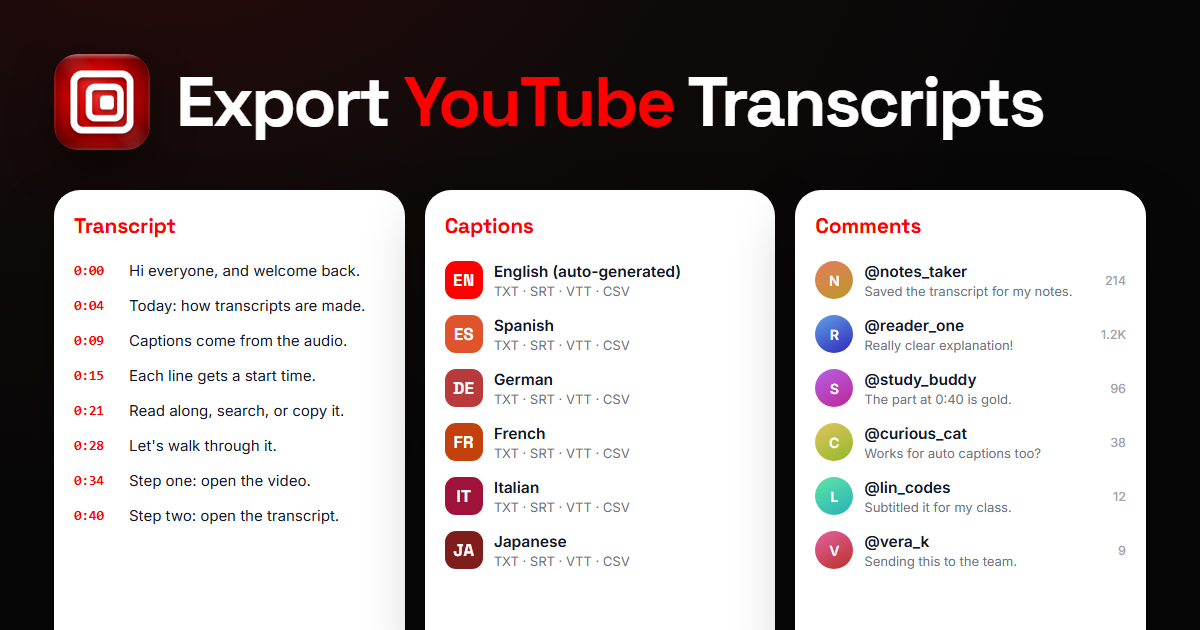
The captions are the piece that matters. YouTube shows them as a transcript: the spoken words as a list of lines, each with a start time. Give an assistant that text and it can summarize the video, pull out the steps of a tutorial, translate it or answer questions on it.
Can ChatGPT summarize a YouTube video from a link?
Sometimes, and you cannot plan around it. Whether an assistant can fetch anything from a YouTube link by itself varies by assistant, by plan and by day, and it changes without notice. Pasting only a link can go three ways:
- The assistant fetches some text from the page and works from that.
- It tells you it cannot open the link.
- It answers anyway, from the words in the title or from what it already knows on the topic.
The third outcome is the one to watch for, because the reply can read like a summary without being drawn from the video. A simple test: ask the assistant to quote three sentences from the video word for word, then look for them in the video. If it cannot quote, or the sentences are not there, give it the transcript. Pasting the transcript removes the question.
How do I give ChatGPT a YouTube transcript?
Three methods: the native one first, a fallback second, the quick one last.
1. Copy the transcript from YouTube's Show transcript panel
- Open the video on youtube.com in a desktop browser.
- Click ...more under the video to expand the description.
- Scroll down the description and click Show transcript. If the button is not there, the video has no captions.
- In the panel that opens beside the video, drag to select the lines and press Ctrl+C (Cmd+C on a Mac).
- Paste the text into the chat and say what it is: "This is the transcript of a YouTube video. Summarize it in five points."
- If the assistant says the message is too long, paste the transcript in parts and ask your question after the last part.
Best for: one video, right now, with nothing to install. Selecting a long transcript by hand is slow, and the timestamps beside the lines can come along with the text.
2. Paste only the title and description
- Copy the video's title.
- Expand the description under the video and copy that too.
- Paste the two into the chat, say that this is a video's title and description, and ask your question.
Be clear on how little this gives the assistant. A title and a description say what the creator wants you to think the video covers. They do not contain what was said in it. An answer built this way is a summary of the description, not of the video.
Best for: a video with no captions, or a check on whether a long video is worth your time. Do not quote the result as what the video says.
3. Copy the transcript with the Mastros extension
- Add the YouTube Transcript Generator from the Chrome Web Store. There is no account and no login.
- Open a video with captions on youtube.com. A Transcript button appears on the player.
- Click Transcript on the player, or Export in the Mastros panel. The extension reads the transcript YouTube's own page shows and makes no request to YouTube.
- Click Copy for AI. The transcript goes to your clipboard as plain text with the title and channel on top. Timestamps are left out.
- Open your assistant, paste, and ask your question.
- Or let the panel prepare the prompt: under Summarize with your AI, pick a summary, chapters with timestamps, study notes, a quiz, tags or a translation, then click ChatGPT, Claude or Gemini. The transcript and the prompt are copied, the assistant opens in a new tab, and you paste and send.
The extension stops at the clipboard. It sends nothing to an assistant, and no model runs on the Mastros side. The summary is written by the assistant you already use, in your own account.
Best for: anyone who does this more than once, long videos, and prompts you do not want to retype. Every plan is free while the beta runs: see pricing.
Which method should I use?
| Method | What you get | Effort | Price |
|---|---|---|---|
| Show transcript, copy and paste | The caption text in the chat, often with timestamps mixed in | Select the lines by hand, then paste | Free |
| Title and description only | An answer drawn from the creator's own description, not from what was said | Two copies and one paste | Free |
| Mastros extension | The whole transcript with the title and channel on top, or the transcript plus a ready prompt with your assistant opened for you | Install a Chrome extension once, then one click and a paste | Free during the beta (pricing) |
What does ChatGPT miss when it only has the transcript?
A transcript holds what was said. Three things are outside it:
- What was shown. Slides, charts, code on screen and a demo with no narration are not in the captions.
- Who is speaking. Captions often do not mark the speaker, so an interview can arrive as one unbroken voice.
- Caption mistakes. Auto-generated captions are a machine's reading of the audio. Names, numbers and technical terms can come out wrong, and the assistant repeats them as written.
For any claim that matters, ask the assistant to quote the line it relies on, then check that moment in the video. When you need to find moments, give it timestamps: pick Chapters with timestamps in the Mastros panel, which hands over the timestamped transcript.
Can Claude or Gemini watch YouTube videos?
The answer is the same, and so is the method. Each works on the text you give it, and the caveat on links applies to each of them. A pasted transcript works in all three, and in any other assistant that accepts text. The Mastros panel has a button for each of ChatGPT, Claude and Gemini.
What if the video has no captions?
Then there is no transcript, for you or for an assistant. YouTube's Show transcript button does not appear, and the Mastros extension has nothing to read: it exports YouTube's own captions and does not turn speech into text. When captions are disabled, or the video is members-only or age-gated, the panel tells you the reason instead of writing an empty file.
What remains is method 2, or asking the creator to add captions.
Who this is not for
- Anyone who needs an assistant to judge what is on screen: the editing, a chart nobody reads aloud, the look of a product.
- Anyone whose video has no captions. Methods 1 and 3 read captions and nothing else.
- Anyone who wants the summary written inside the extension. Mastros runs no AI model, so you need an assistant of your own.
- Anyone who wants the video or the audio. The extension exports text and never downloads video or audio.
- Anyone who needs a whole channel summarized in one run. The extension works on the video you have open, one at a time.
FAQ
Can ChatGPT summarize YouTube videos?
Yes, once it has the transcript. It does not watch the video: it reads the text. Copy the transcript from YouTube's Show transcript panel, or use Copy for AI in the Mastros extension, then paste it and ask for a summary.
Can I paste a YouTube link into ChatGPT?
You can, but what happens next varies by assistant, plan and day, and it changes without notice. If the assistant cannot quote the video word for word, it is not working from the transcript. Pasting the transcript is the method that works everywhere.
Can Claude watch YouTube videos?
The same answer applies: Claude works with the text you give it, so paste the transcript. The Claude button in the Mastros panel copies the transcript with your prompt and opens Claude in a new tab.
How do I give ChatGPT a YouTube transcript?
Open the video in a desktop browser, expand the description, click Show transcript, then copy the lines and paste them. With the Mastros extension, export the transcript and click Copy for AI.
Does Mastros summarize the video itself?
No. Mastros copies the transcript, and a prompt if you pick one, then opens your own ChatGPT, Claude or Gemini. No model runs on the Mastros side.
Related reading
- YouTube Transcript Generator: the extension from method 3, with subtitles, the comment finder and playlist export.
- How to Get the Transcript of a YouTube Video: every way to read, copy or download a transcript, and which file format to pick.
- AI Chat Exporter: once the summary is in ChatGPT, Claude or Gemini, export that chat to PDF, Word or Markdown.