


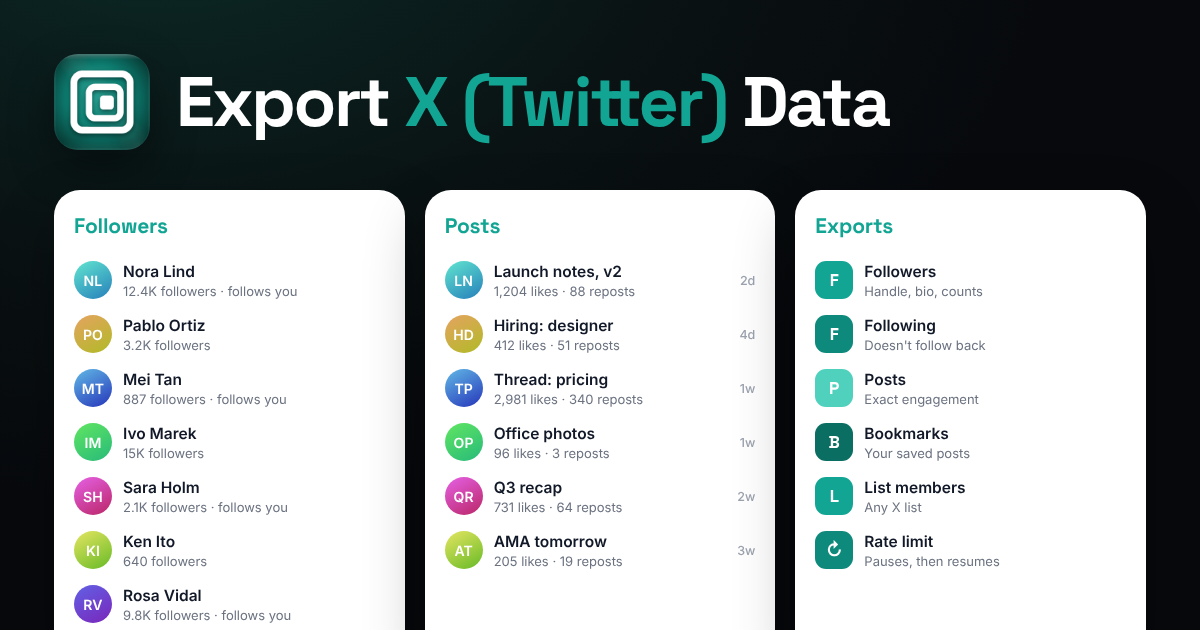
X (Twitter) does not tell you who unfollowed you and keeps no list of it. You can find out two things: who you follow that does not follow you back, visible now, and who left between two dates, only by comparing two saved copies of your followers list. Be wary of any app that asks for your X password.
The Mastros Twitter Scraper covers each of the two from your own browser. One option on your own Following list keeps only the accounts that do not follow you back, and a Followers export saved today and again later gives you two files to compare. It only reads: it never follows, unfollows or messages anyone.
Does X tell you who unfollowed you?
No. X notifies you when someone follows you and says nothing when someone leaves. Your profile shows a follower count and a Followers list as they are right now, with no history and no page of recent unfollows.
What X does show is the present state, in two places: the Follows you label on a profile, and your own Followers and Following lists. Every method below is built from those.
So "who unfollowed me" is really two questions. Who does not follow me back today has an answer on the page already. Who left has an answer only from the day you start keeping your own copy of the list. Nobody can recover the names from before that day.
X also changes its interface without notice. If a label is not where this post says, it may have moved.
How do I see who unfollowed me on X?
Three methods. The first two need nothing installed. The third gives you files.
1. Check one account on its profile
- Open X on the web or in the app, signed in as yourself.
- Search for the account and open its profile.
- Look beside the handle, under the display name. If the account follows you, X shows a Follows you label there.
- No label means the account does not follow you now. X does not say whether it ever did.
Best for: one account you are curious about. It tells you the state today, not when it changed.
2. Go through your lists by hand
- Open your own profile on x.com and click Following.
- Scroll the list. Accounts that follow you carry the Follows you label next to the handle. The ones without it do not follow you back. If you see no labels in the list, open each profile as in method 1.
- To catch future unfollows, open Followers and write the handles in a note or a spreadsheet, with the date.
- Do the same again later and compare the two lists line by line.
Best for: a list short enough to read in a few minutes.
3. Export your lists with the Mastros X extension
- Install the Mastros Twitter Scraper from the Chrome Web Store. It needs no password and no API key.
- Open your own Following list on x.com in Chrome, signed in as yourself.
- Open the Mastros panel, tick Only accounts that don't follow back and start the export. The file holds only the accounts that do not follow you, with no second export needed.
- Save it as CSV, XLSX, JSON or JSONL. Each row has the handle, display name, profile URL, bio, location, website, follower and following counts, verified status and join date.
- For unfollows, open your own Followers list and export it without that option. Put today's date in the file name.
- Export the Followers list again later, for example a week on. Leave Only new records off: that option skips what you already exported, and a comparison needs the whole list each time.
- Compare the two files with the steps in the next section.
A long list takes time. X tells the browser how many requests it has left. The export pauses before that runs out and continues on its own when X's window resets, with a countdown in the panel and every row kept. If the wait would be long, or the run has already paused several times, it stops instead and keeps what it has.
Two more limits. X shows only part of a very large list in the browser: the export takes every row X shows and tells you where X stopped. And before your first export of a list of people the extension asks you, once, to confirm that you will hold such data only for a lawful reason. Each such run is capped in size and paced more slowly.
Best for: anyone who wants the answer as a file, or who plans to check again later. Free with no record limit during the beta: see pricing.
How do I compare two follower exports in a spreadsheet?
A count or a lookup on the handle column does it, in Excel or in Google Sheets.
- Open the older file. The example assumes its handles are in column A.
- Open the newer file, copy its handle column and paste it into an empty column of the older sheet. The example uses column Z.
- In another empty column, in row 2, type
=COUNTIF(Z:Z, A2)and fill it down to the last row. - Filter that column to 0. Those handles are in the older file and not in the newer one: they are the accounts that left.
- For new followers, swap the letters:
=COUNTIF(A:A, Z2)beside the pasted column, and look for 0 again.
Change the letters to match your file. A lookup function such as XLOOKUP or VLOOKUP gives the same answer.
Before you trust the result, check each file's row count against the follower count on your profile on the day you saved it. If X stopped a list early, a handle can be missing because X never showed it, not because the account left.
Why did I lose followers if nobody unfollowed me?
A handle missing from the newer file means the account is no longer in your Followers list under that handle. An unfollow is one reason. The account may also have blocked you, been deactivated by its owner or suspended by X, or been removed by you. A changed handle looks like one lost follower and one new one. Open the profile, as in method 1, to tell these apart.
Is a Twitter unfollow tracker safe to connect?
A tracker has no secret source. X keeps no list of unfollows for it to read, so it can only do what method 3 does: save your followers list, save it again, and report the difference. It cannot know about anyone who left before its first copy.
The question is what you hand over in exchange. Never type your X password into anything but X itself. An app that connects through X's own authorisation screen shows there what it wants to be able to do. Reading your lists is enough for this job, so be wary of one that also asks to post, follow, unfollow or send messages as you. You can remove a connected app's access in your X settings.
The Mastros extension reads what your own signed-in session already shows, and nothing leaves your browser except the file you download.
Which method should I use?
| Method | What you get | Effort | Price |
|---|---|---|---|
| Check one profile | Whether one account follows you today | Low: one profile at a time | Free with an X account |
| Go through your lists by hand | The accounts without the Follows you label, and a hand-written copy of your followers to compare later | High for anything but a short list | Free with an X account |
| Export and compare (Mastros) | A file of only the accounts that do not follow you back, and dated Followers files to compare for who left | Install a Chrome extension, one run per export, one formula | Free during the beta, see pricing |
Who this is not for
- Anyone who wants the names of people who unfollowed before a first copy was saved. That record does not exist.
- Anyone who wants a tool that unfollows people for them. The Mastros extension only reads: it never follows, unfollows, posts or messages.
- Anyone who wants an alert the moment someone leaves. You start every export yourself.
- Anyone watching another person's followers. The extension reads only lists your account can see, and X shows only part of a large list that is not yours.
FAQ
Does X notify you when someone unfollows you?
No. X sends no notification for an unfollow and keeps no list of them. The only signs are a lower follower count and the missing Follows you label on that person's profile.
How do I see who doesn't follow me back on Twitter?
Open your Following list and look for accounts without the Follows you label. To get them as a file, export your own Following list with the Mastros Twitter Scraper and tick "Only accounts that don't follow back".
Is there a free Twitter unfollow tracker?
X has none of its own. Checking a profile and reading your lists by hand are free with an X account. The Mastros export is free with no record limit during the beta.
Can I see who unfollowed someone else's account?
Not reliably. X shows only part of a large follower list in the browser: for an account that is not yours, about 70 accounts. Two partial copies cannot be compared for who left.
Related reading
- Twitter Scraper: the extension used in method 3, and every list it exports.
- X (Twitter) Advanced Search: The Operators That Work: find an account's old posts by date, word or engagement.
- Track Instagram Followers and Unfollowers, No App: the same export-twice-and-compare approach on Instagram.