


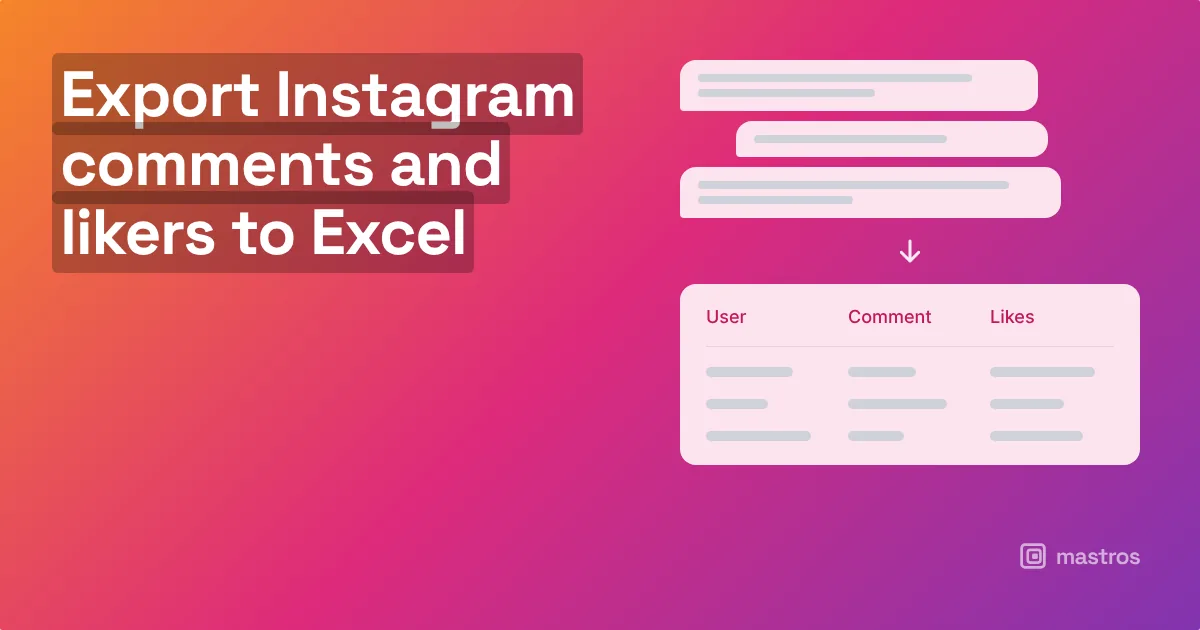
Instagram shows comments a screen at a time and hides most replies behind a tap, which is why "instagram comments viewer" is a thing people search for. The way to see every comment at once is to export them: the Mastros Instagram extension reads the whole thread on a post in your browser, including replies, and saves username, text, likes and time to Excel or CSV. From there you can pick a giveaway winner, collect user content, or analyse what people said.
How do you view all comments on an Instagram post?
On the app, keep tapping View replies and keep scrolling; on a viral post that is hundreds of taps and the order changes as you go. In the browser, the same. There is no "show all" in Instagram itself. An export is the show-all: it expands every reply and scrolls to the end so nothing is missed, then gives you the list in a form you can sort.
How do you export Instagram comments to Excel?
- Open the post on instagram.com in Chrome.
- Open the Mastros extension from the toolbar and choose Comments.
- Run it. The extension expands the replies and scrolls the thread, collecting username, comment text, likes, time and whether it is a reply and to whom.
- Download Excel or CSV.
Sort by likes for the comments that carried the thread. Filter the text column for a word to find product mentions or questions. Count rows per username to see who commented more than once.
How do you pick a giveaway winner from the comments?
Export, then de-duplicate by username if the rules say one entry per person, or keep every row if multiple comments count. Filter out your own replies and anyone who did not meet the conditions (a tagged friend, a keyword). Then pick a random row: in Excel, add a column with RAND(), sort by it, and the top row is the winner. Screenshot the sheet for the announcement; it is fairer and easier to show than a picker app, and nobody's password was involved.
How do you collect user content from comments?
Filter the export for comments that include a mention of your product, a question, or a phrase you want to quote. The username column is the attribution and the profile URL gets you to the person to ask permission. For campaigns that asked people to comment with a hashtag or an answer, the export is the entry list.
What can you learn from comment analysis?
Sort by time and you see when the conversation peaked and whether replies from the account kept it going. Count comments per commenter and you find the few accounts that drive most of the thread. Sort by likes and you find which comments other people agreed with, which is a cheaper read on sentiment than any tool. For a proper sentiment pass, the CSV drops into any text-analysis tool or a spreadsheet formula that looks for words.
Is exporting comments allowed?
Comments are public on public posts, and you are reading what Instagram shows you, in your own session, at the pace you could scroll it. The extension never likes, replies, follows or messages. Usernames are personal data where the commenter lives; keep exports for analysis, moderation and the giveaway they entered, not for building contact lists, and delete them when the purpose is done.
FAQ
Can I export comments from a post that is not mine?
Yes, if the post is public or you follow the account and can see it.
Does the export include replies?
Yes, with a column showing which comment each reply belongs to.
Can I see deleted comments?
No. Instagram removed them before any export could read them.
Why are some comments missing from what I see on the app?
Instagram filters comments it considers spam or offensive out of the default view for some accounts. The export reads what your session is shown.
Can I export comments and likes together?
The comments export includes each comment's like count. The list of who liked the post is a separate list.
Does the extension work on Reels comments?
Yes, a Reel is a post with a comment thread.