


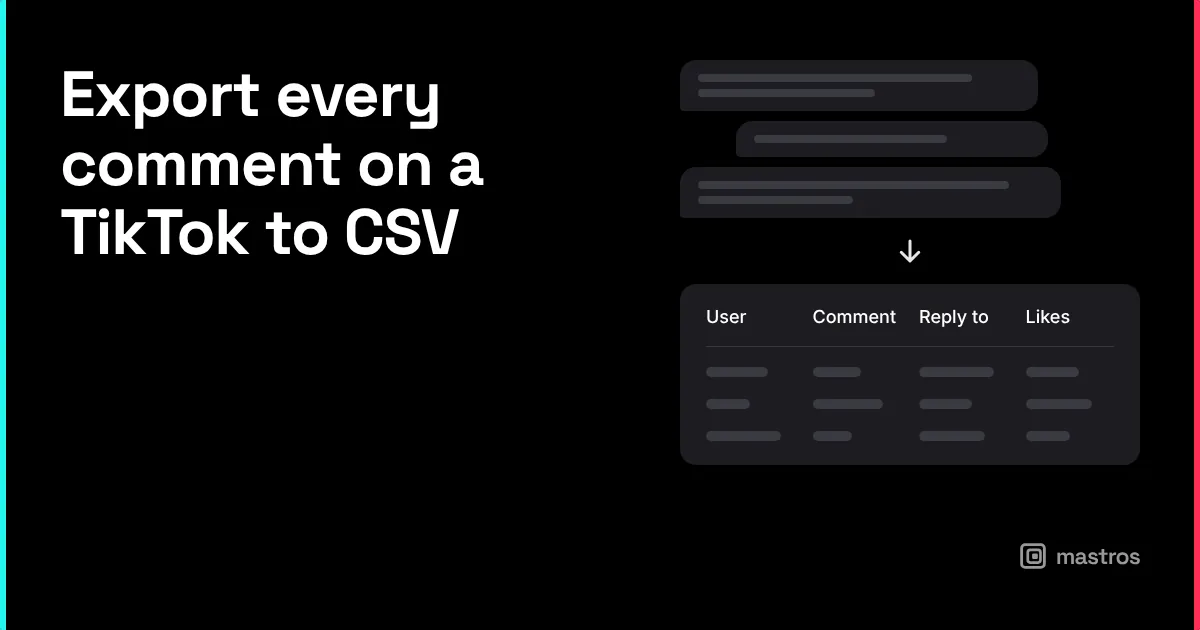
TikTok's comment panel loads a few comments at a time and folds every reply, so reading a whole thread on a video with ten thousand comments is not something the app is built for. Exporting is: the Mastros TikTok extension expands and scrolls the thread in your browser and saves username, comment text, likes, time and reply structure to CSV, JSON or JSONL; the CSV opens in Excel and Google Sheets. That file is the comments viewer, the filter and the raw material for sentiment.
What does a TikTok comments export contain?
One row per comment: username, display name, the comment text, its like count, the time, and for replies, which comment they answer. Comments TikTok hides from your view (filtered by the creator's settings or by TikTok) are not on the page, so they are not in the file. Deleted comments are gone before any export could read them. Live comments are a separate stream and are not saved by TikTok after the live ends.
How do you export TikTok comments to Excel?
- Open the video on tiktok.com in Chrome and open the comments panel.
- Open the Mastros extension from the toolbar and choose Comments.
- Run it. The extension expands the replies and scrolls to the end of the thread.
- Download CSV, JSON or JSONL; the CSV opens in Excel and Google Sheets.
The run takes as long as scrolling the thread would; a video with tens of thousands of comments takes a few minutes. Nothing is uploaded and the extension never likes, replies or follows.
How do you filter TikTok comments?
In the spreadsheet, not in the app. Filter the text column for a product name, a question mark, or a phrase from the video. Sort by likes to see which comments other viewers agreed with. Count rows per username to find the few accounts driving the thread. For a brand launch, filter for the product name and read those rows first; for a creator, filter for questions and answer them in the next video.
TikTok's own filter settings (Settings, Privacy, Comments) control what appears under your videos; they do not help you read a thread on someone else's.
How do you read sentiment from a comments export?
Start with the like-sorted list; the top twenty comments are what the audience endorsed, which is a better read than any classifier. Then add a column with a formula that flags words you care about (love, hate, price, broken, where to buy) and count them. For thousands of rows, drop the CSV into a sentiment tool or a spreadsheet add-on; the export is plain text and every tool reads it. The value of doing this yourself is that you keep the raw rows and can check any score against the comment it came from.
How do companies use TikTok comments to gather customer feedback?
The same way they read reviews, only faster and closer to the product: objections show up as questions under the ad, feature requests show up as "can it do X", and pricing reactions are immediate. An export after each campaign video, filtered for questions and product mentions, is a feedback channel that costs nothing to run. Comparing exports across videos shows whether the objections changed.
Is exporting TikTok comments allowed?
Comments on public videos are public, and the extension reads what TikTok shows you, in your own session, at the pace you could scroll it. TikTok's terms restrict collecting data with software and TikTok enforces them by limiting accounts; reading like a person, from your own browser, without any liking, following or messaging, is the practice that stays inside those limits. Usernames are personal data where the commenter lives: keep exports for analysis and moderation, not for contact lists, and delete them when the work is done. Services that post or like comments for you are the opposite of this and are what TikTok removes.
FAQ
Can I export comments from any TikTok video?
Any public video you can open. Private accounts show nothing to non-followers.
Are TikTok live comments saved?
Not by TikTok once the live ends, and the extension reads video comment threads, not live streams.
Why are there fewer comments in the export than the count on the video?
The count includes comments TikTok has filtered or the creator has hidden from view. The export contains what is displayed.
Can I export comments without a TikTok account?
The extension reads your logged-in tiktok.com session. Log in with your own account; nothing is entered into the extension.
Does it work on TikTok's desktop app?
No, only in Chrome on tiktok.com.
Can I get the commenters' emails?
Only if a commenter put an email in their bio, which is a separate export. See TikTok email finder.