


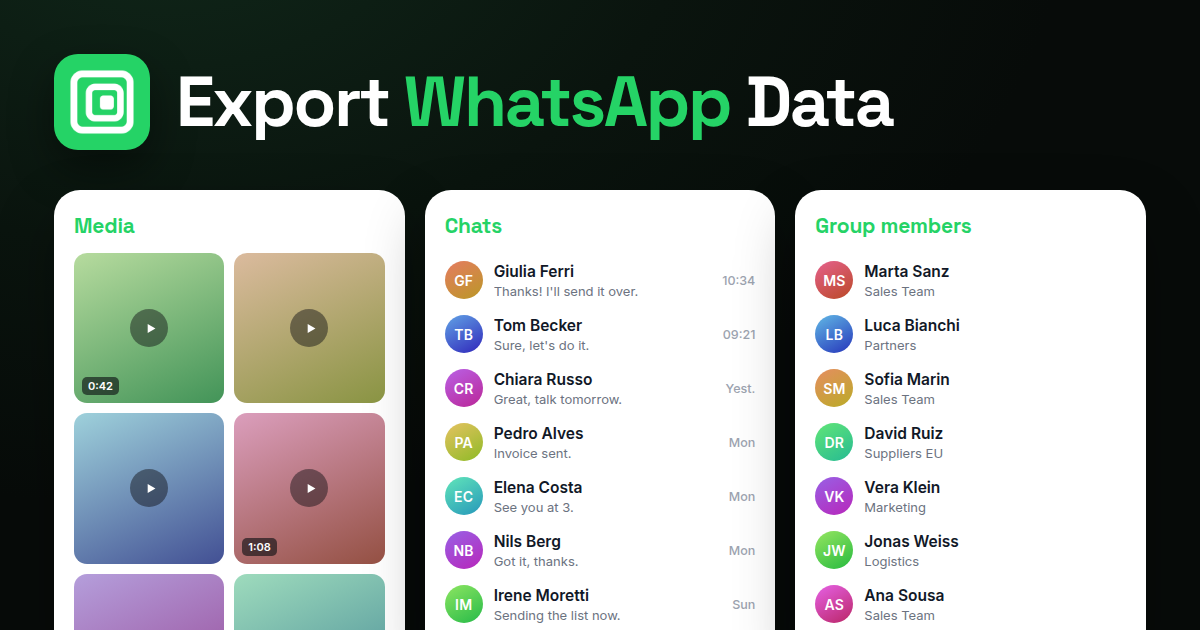
A WhatsApp Business account exports the same way a personal one does, because WhatsApp Web is the same client for both. Open business.whatsapp.com or web.whatsapp.com on your PC, and the Mastros WhatsApp extension exports contacts, group members and chats to CSV, JSON or JSONL (the CSV opens in Excel and Google Sheets), and a chat's media as a ZIP. Labels, catalog items and the business profile are the parts WhatsApp Business adds, and this guide covers what you can and cannot get out of them.
What is the difference between WhatsApp Business and WhatsApp for exporting?
The Business app adds a business profile, quick replies, labels, a catalog, greeting and away messages, and the option to use the account on more devices. It does not change how chats, contacts or groups are stored, and it does not add an export for contacts. Chat export is the same More, Export chat menu. Backups work the same way. The one export advantage is labels: they let you organise chats into lists such as New customer, Order placed or Paid, which means the list you want to export already exists as a filter.
The WhatsApp Business Platform (the API) is a different product for larger companies, with programmatic access to messages on a business number through Meta and its partners. It is not needed for exporting from the app.
How do you use WhatsApp Business on a PC?
WhatsApp Business on a PC is WhatsApp Web with a Business account. Open web.whatsapp.com in Chrome, scan the QR code from the Business app (Linked devices), and your chats, labels and contacts appear. The desktop app for Windows and Mac works too, but the Mastros extension runs in Chrome, so use the web version for exports.
How do you export WhatsApp Business contacts to Excel?
- Open WhatsApp Web with the Business account in Chrome.
- Open the Mastros extension from the toolbar.
- Choose Contacts for the people WhatsApp lists as your contacts, or Group Members for the members of a customer or supplier group.
- Run it and download CSV, JSON or JSONL; the CSV opens in Excel and Google Sheets.
The file has one person per row with the number and the name WhatsApp shows. Import it into Google Contacts to sync it to a phone, or into a CRM.
How do you export chats and labels?
Labels are a filter, not an exportable object. Click a label in WhatsApp Web to see only the chats it holds, then export each chat with the extension: choose Chat Export, set Max messages to collect, pick CSV, JSON or JSONL, run; then run Bulk Media & Links Download on the same chat if you need the invoices and photos, which arrive as a ZIP with a manifest. For a label with many chats, work through them in order; each export is one chat with its full history, and its media in the ZIP. WhatsApp's own Export chat on the phone does the same for one chat at a time, without media over a certain size and without the spreadsheet format.
Quick replies, greeting messages and the catalog are business settings, not chat data, and there is no export for them; keep your own copy of that text.
Can WhatsApp Business be used on multiple phones?
The Business app supports linked devices, including up to several extra devices under Linked devices in settings, and Meta has been extending multi-phone support for Business accounts. Whether a second phone counts as a companion device depends on the app version; check Settings, Linked devices in your app. For exports it does not matter: WhatsApp Web on any linked computer sees the same chats, and the extension works there.
Is exporting from a Business account allowed?
The same rules as a personal account, with one addition: a business holds customer data under data-protection law where it operates, so the file you export is a record you are responsible for. Export what you can see, in your own session, for the purpose the customer gave you their number, and keep the file where the rest of your customer records live. The extension sends no messages and adds nobody to groups; bulk messaging from an exported list is what the WhatsApp Business Platform is for, with opt-in, and what gets app accounts banned without it.
FAQ
Are WhatsApp Business accounts free?
The app is free. The Business Platform (API) is priced per conversation by Meta.
Can I export my catalog?
No. The catalog is a business setting, not chat data. Keep your product list where you built it.
Can I export a label as a list?
Not directly. Filter by the label and export the chats or the contacts in them with the extension.
Does the export include customer numbers not saved as contacts?
Yes, in Group Members and in Chat Export. Numbers appear as WhatsApp shows them to you.
Does exporting affect my Business account?
No. Reading chats and lists sends nothing and is not what Meta acts on. Bulk messaging is.
Can I do this from the desktop app instead of Chrome?
The extension needs Chrome. Use web.whatsapp.com in Chrome for exports; the desktop app is fine for everything else.