


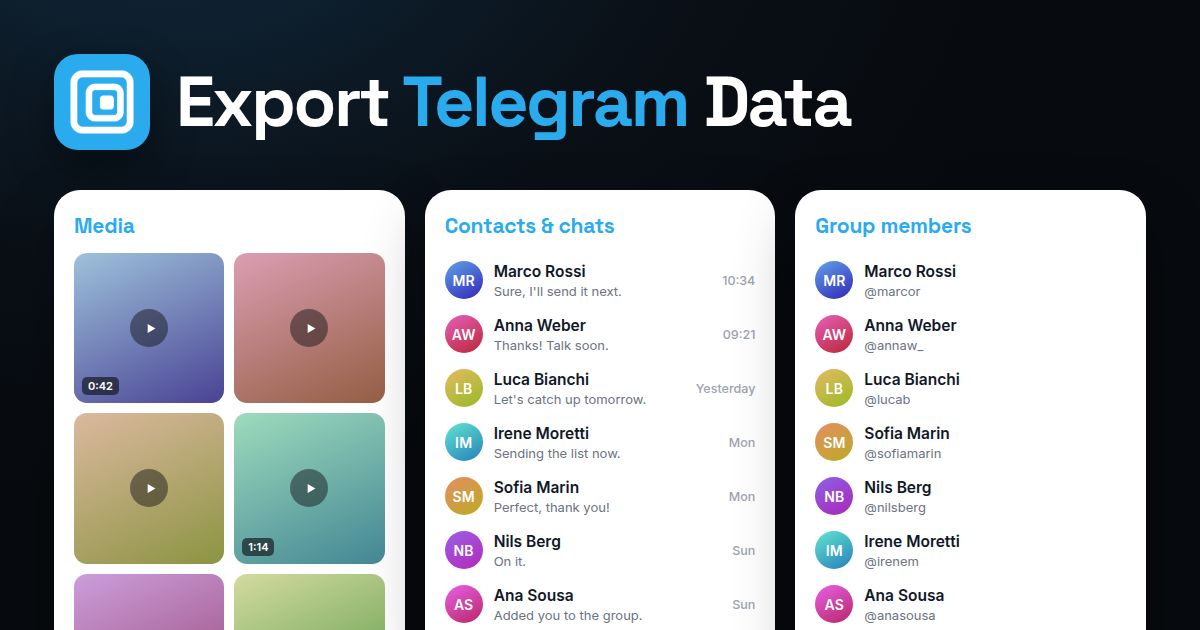
Telegram has no export button for a group's member list. Telegram Desktop exports chat history, not members, and the Telegram API needs a developer registration. The Mastros Telegram extension exports the member list of any group or channel you have joined to CSV, JSON or JSONL from Telegram Web (the CSV opens in Excel and Google Sheets), with each member's name, username and user ID as Telegram shows them, in one run.
How do you export Telegram group members?
- Open web.telegram.org in Chrome and open the group.
- Open the Mastros extension from the toolbar and choose Members.
- Run it. The extension scrolls the member list Telegram shows you and collects the visible fields.
- Download CSV, JSON or JSONL; the CSV opens in Excel and Google Sheets.
For channels, the same steps work where the channel shows its subscriber list to you; most channels show it only to admins.
Can you see Telegram group members?
In a group, every member can see the member list unless the admins have hidden it, which is an option in larger groups. If it is hidden, nobody outside the admin team sees it, and no tool changes that. Phone numbers appear only for members whose privacy settings show them to you; usernames and names appear as set.
How many members can a Telegram group have?
Up to 200,000 in a supergroup. Channels have no subscriber limit. A 200,000-member export takes a while because the extension scrolls the whole list; plan limits for large runs are on the product page.
Telegram channel vs group
A group is a conversation among members; a channel is a broadcast from admins to subscribers. Groups expose their member list to members; channels usually expose subscribers only to admins. For a channel you run, export the subscriber list as an admin; for one you follow, export the discussion group linked to it instead, which is where the visible members are.
Is exporting members allowed?
You are reading a list Telegram shows you as a member, in your own session, and the extension never messages, invites or adds anyone. The people in the file have privacy rights where they live; keep the list for the purpose the group exists for and never pair it with bulk messaging, which is what gets accounts limited. See Best Telegram scrapers 2026 for how the tools differ on this.
FAQ
Does exporting notify the group?
No. Reading the list sends nothing.
Can I export members of a group I am not in?
No. You must be a member to see the list.
Does the export include phone numbers?
Only where Telegram shows them to you, which depends on each member's settings.
What is the user ID for?
It is the stable key. Usernames change; IDs do not, so use it to de-duplicate across exports.
Can I export only active members?
Filter in Excel by last-seen or by who posted, using a messages export alongside the member list.